Creating an ePub ebook from a Paperback

Background
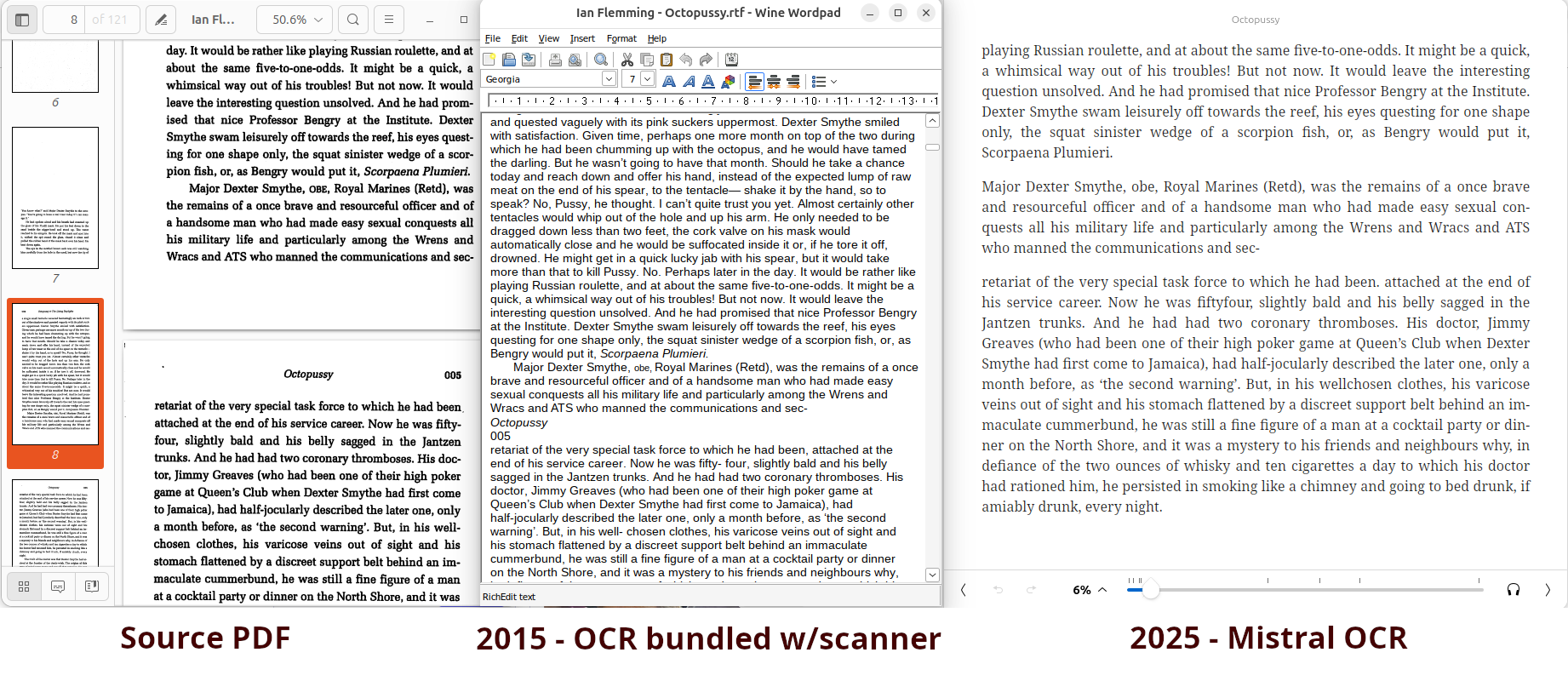
Since reading about James Bond creator Ian Fleming’s work entering the public domain in Canada in 2015, I’ve thought about creating public domain ebooks that I could share online. At the time, I picked up a copy of Octopussy, and scanned it. I ran it through the OCR software bundled with the scanner I was using, and the results were pretty mediocre. At that time, the OCR process was certainly faster than typing, but the output required a lot of manual review - I abandonned the project. In short order, the Canadian Gutenberg team created excellent James Bond ePubs, and I note now that other ones are available from Faded Page.
This year, I saw that a number of the AI/LLM providers introduced OCR models. I tried Mistral OCR on my Octopussy scan from 2015 - the results were much better - this was worth trying again.
Creating the ebook
Prepare and scan the book
I decided to create an ebook of Charles T. Currelly’s I Brought The Ages Home. My initial plan was just to take photos of each page of the book.

It was impossible to get the pages flat. Looking at the photos:
- The text doesn’t follow a straight line
- The lighting was inconsistent
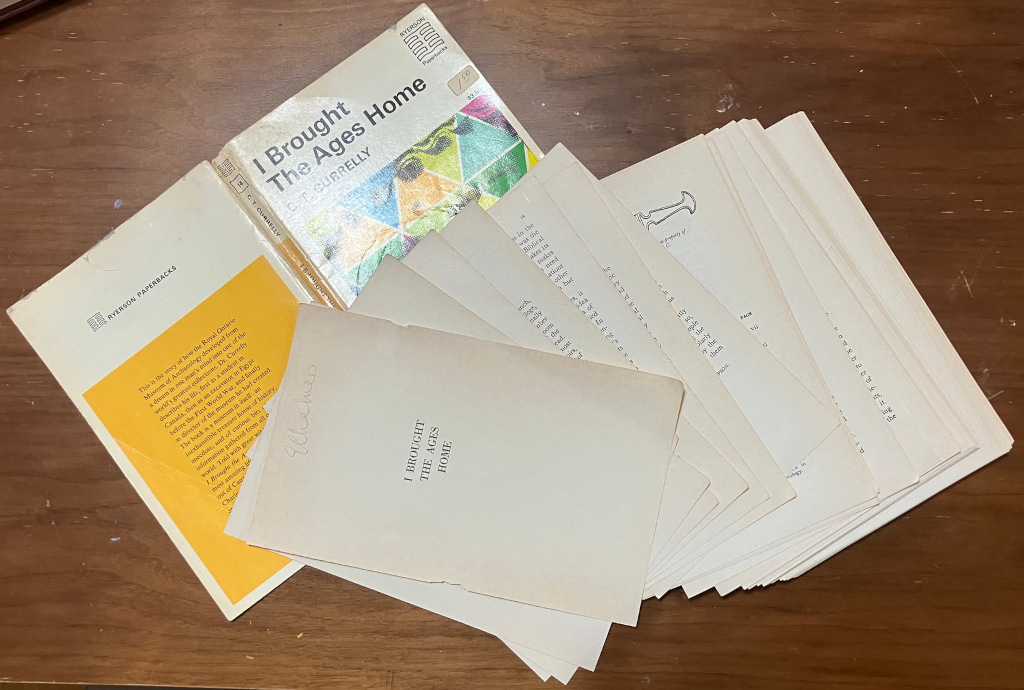
I decided to take the book apart, so the pages could be scanned flat. I had access to a Fujitsu ScanSnap IX500 scanner with a document feeder, and the book was scanned in a minute.
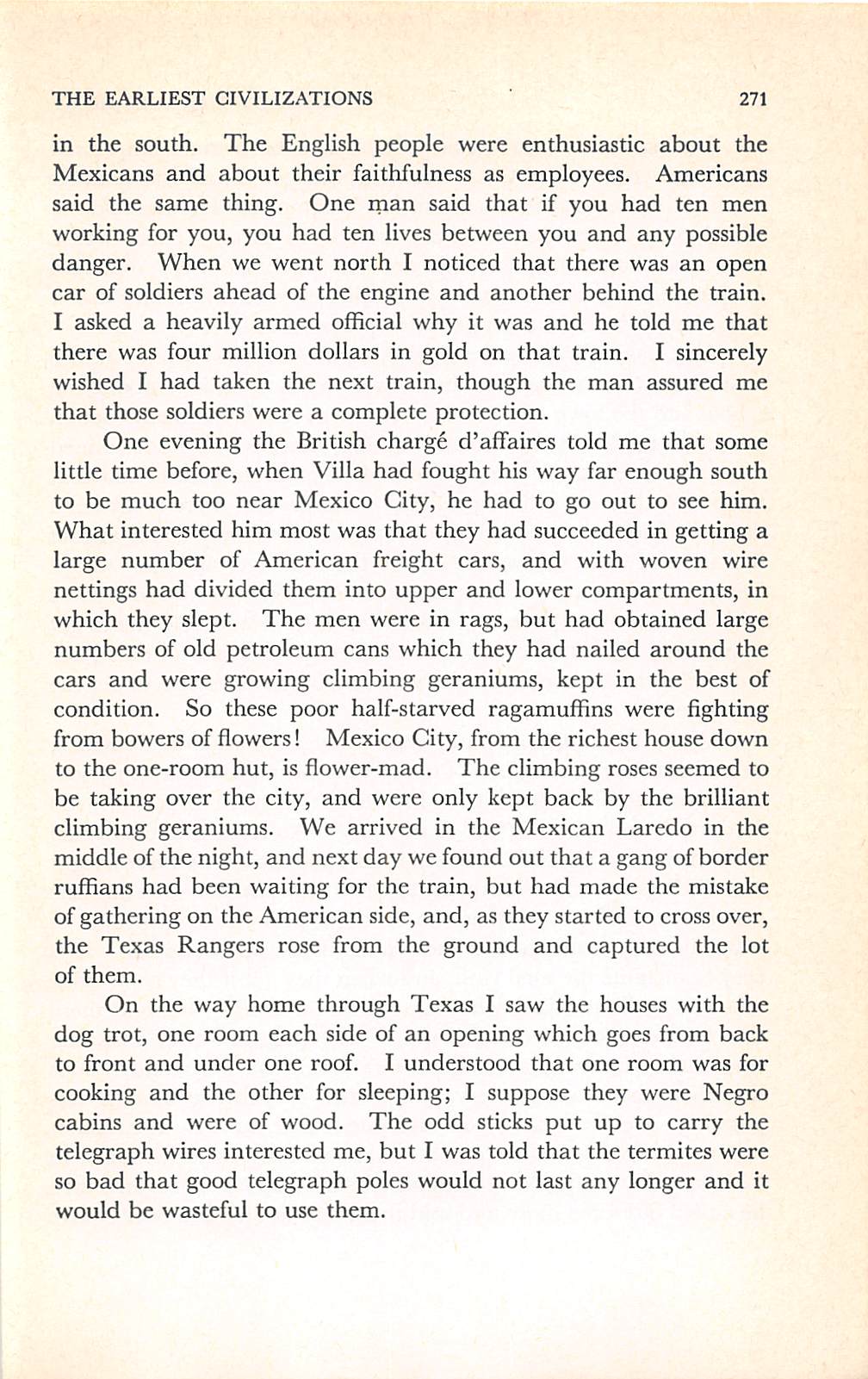
The results were much better - the lighting was even, and the text was straight.
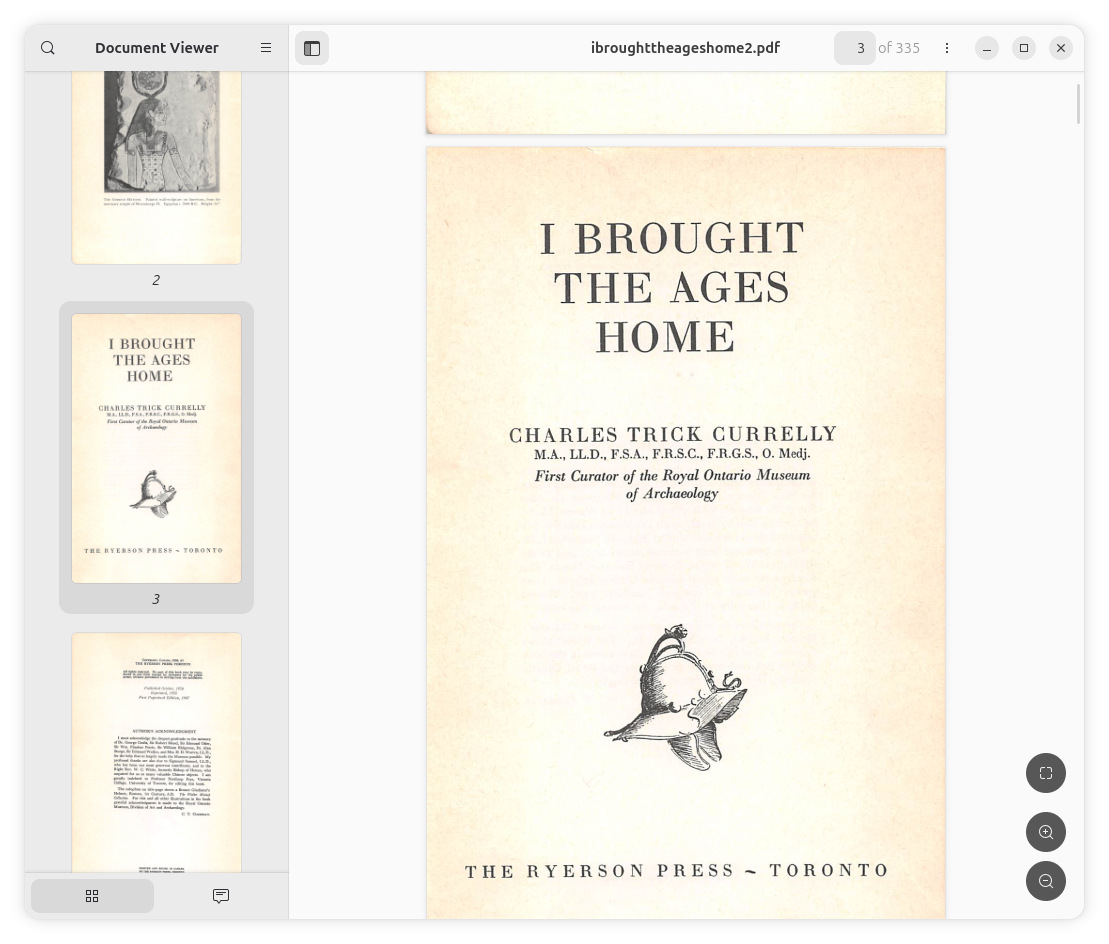
I exported the scans to a multi-page PDF file using the software bundled with the scanner.
OCR Process
Here’s the flow I used. I have Python, a Mistral account and API key, the uv package manager, and Pandoc installed.
|
|
I’ve used a script here from Simon Willison to run Mistral’s Cloud OCR service on the PDF, and this has worked well for me. There are many options that you can run on your own PC, a couple worth considering include:
- Marker, which I have used in previous projects
- IBM’s Granite-Docling, which I intend to try with future projects.
OCR Clean Up
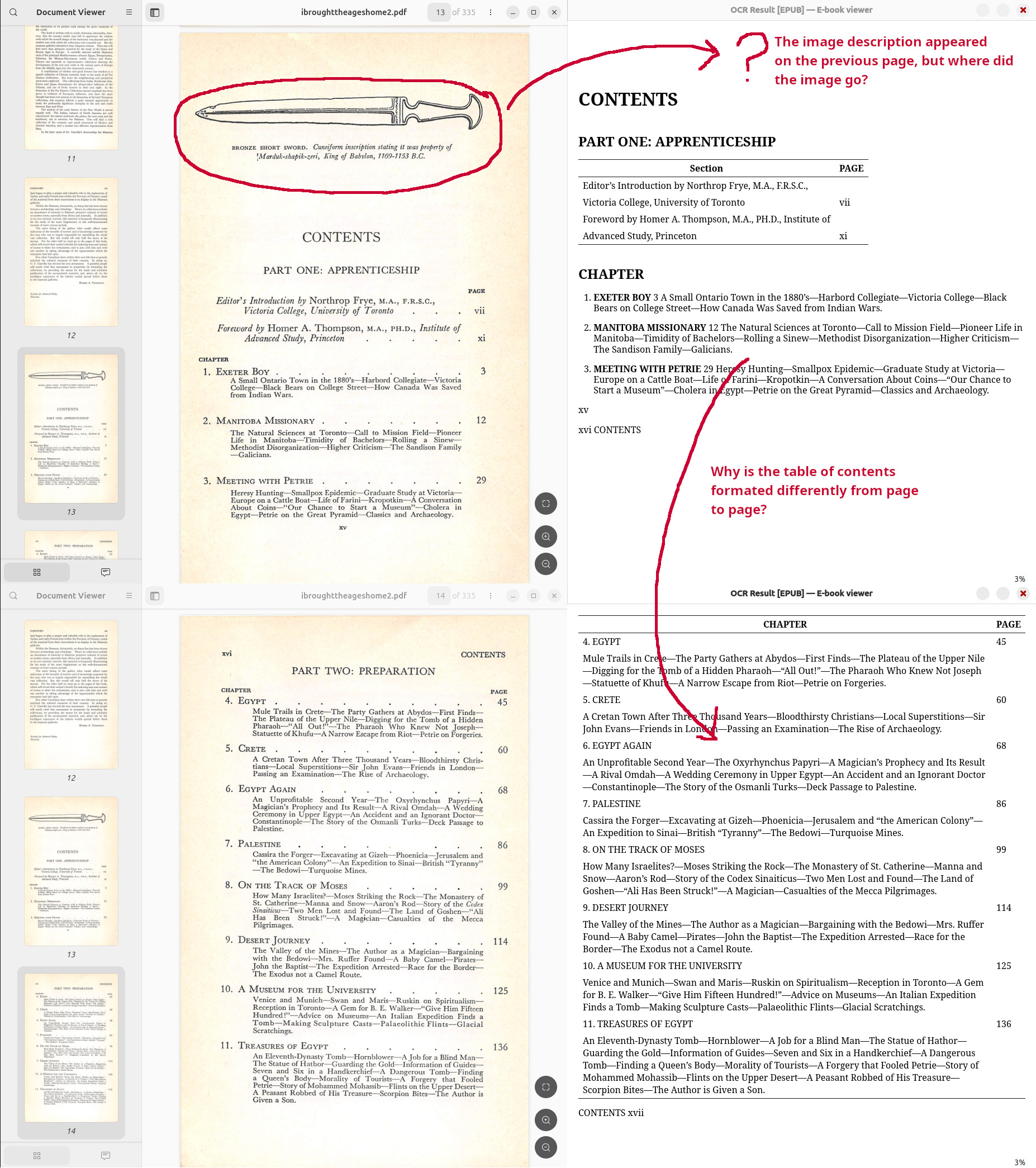
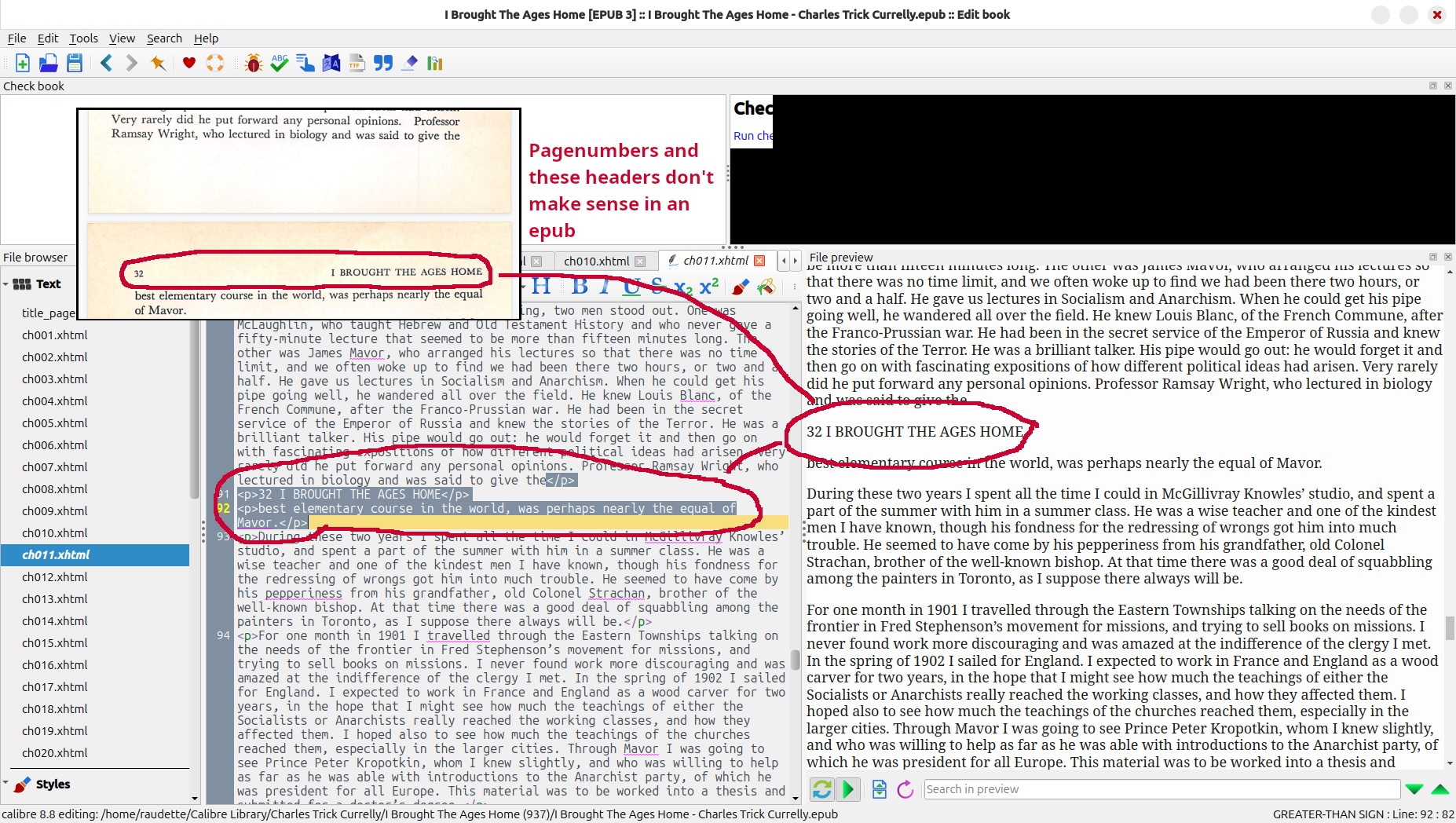
I have used this process a few times now, and the results have been acceptable. I’ve loaded the ePubs created using this method on my Kindles and Kobos using Calibre and read them cover-to-cover - it’s a much better experience than reading a PDF. But, the experience is not as good as commercial book purchased through the Kindle or Kobo stores. Anything beyond straight text - formating, figures, tables, page numbers - don’t look great.
When I digitized Charles Trick Currelly’s I Brought The Ages Home, I wanted to share it, and I wanted any potential readers to have a great reading experience. I used Calibre’s built-in ebook editor to:
- Set the metadata like title & author
- Set the cover
- Remove page numbers, create links
- Clean up headers
- Clean up formatting
- Review figures
Here are a few examples of the types of OCR issues I fixed:
Download the ebook
You can download the epub here: I Brought The Ages Home by Charles T. Currelly epub
Please share any issues you find with this epub, or let me know if you would like the original scans (they are too large for the hosting service I am using).